What are MECCHA CHAMELEON Workshop maps?
Important update: a July 2026 security incident showed that a malicious Workshop map could abuse an unintended scripting capability. The developer stated that the base game did not contain an embedded virus and published fixes. Keep the game updated to version 3.3.0 or later, review item history and comments, and do not treat every Workshop subscription as automatically safe.
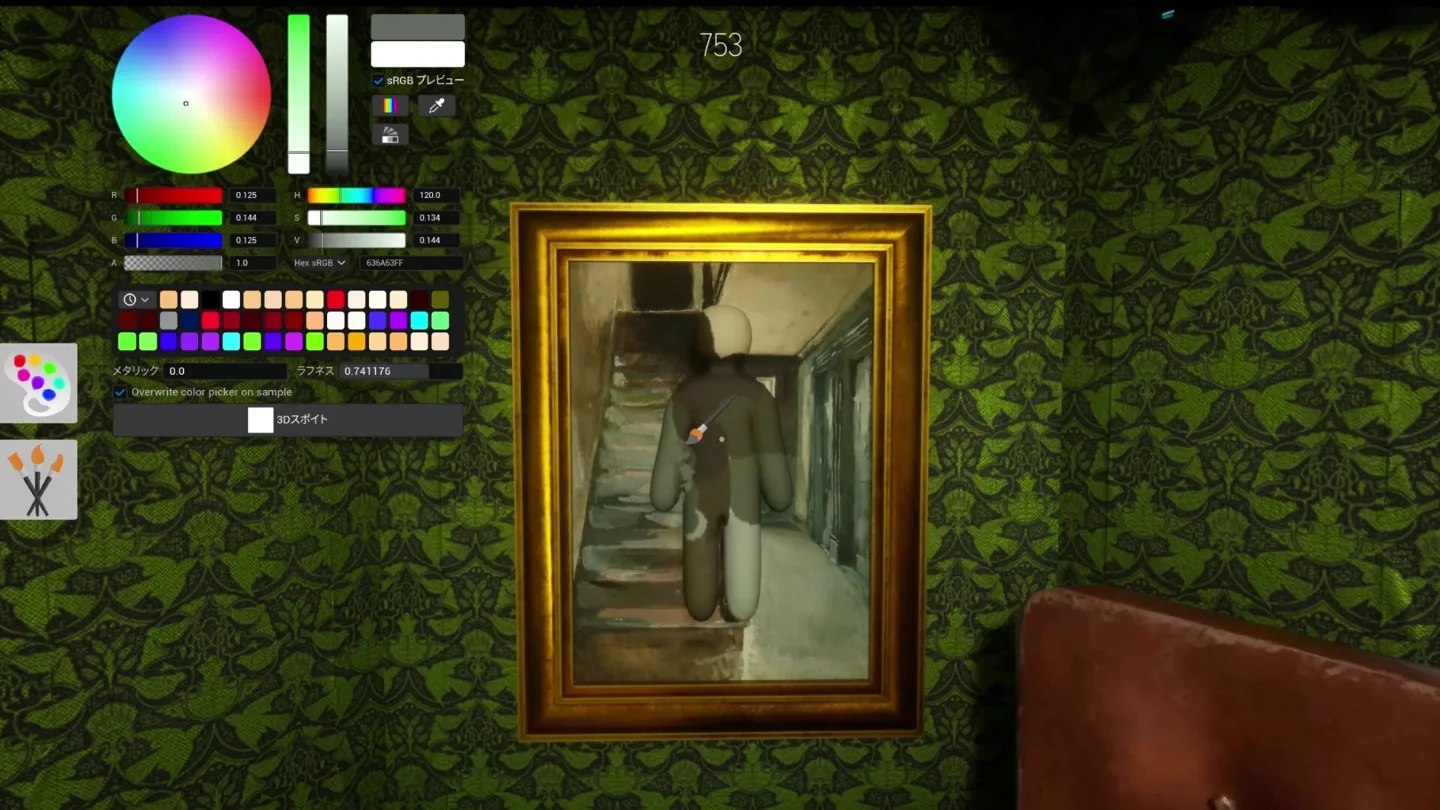
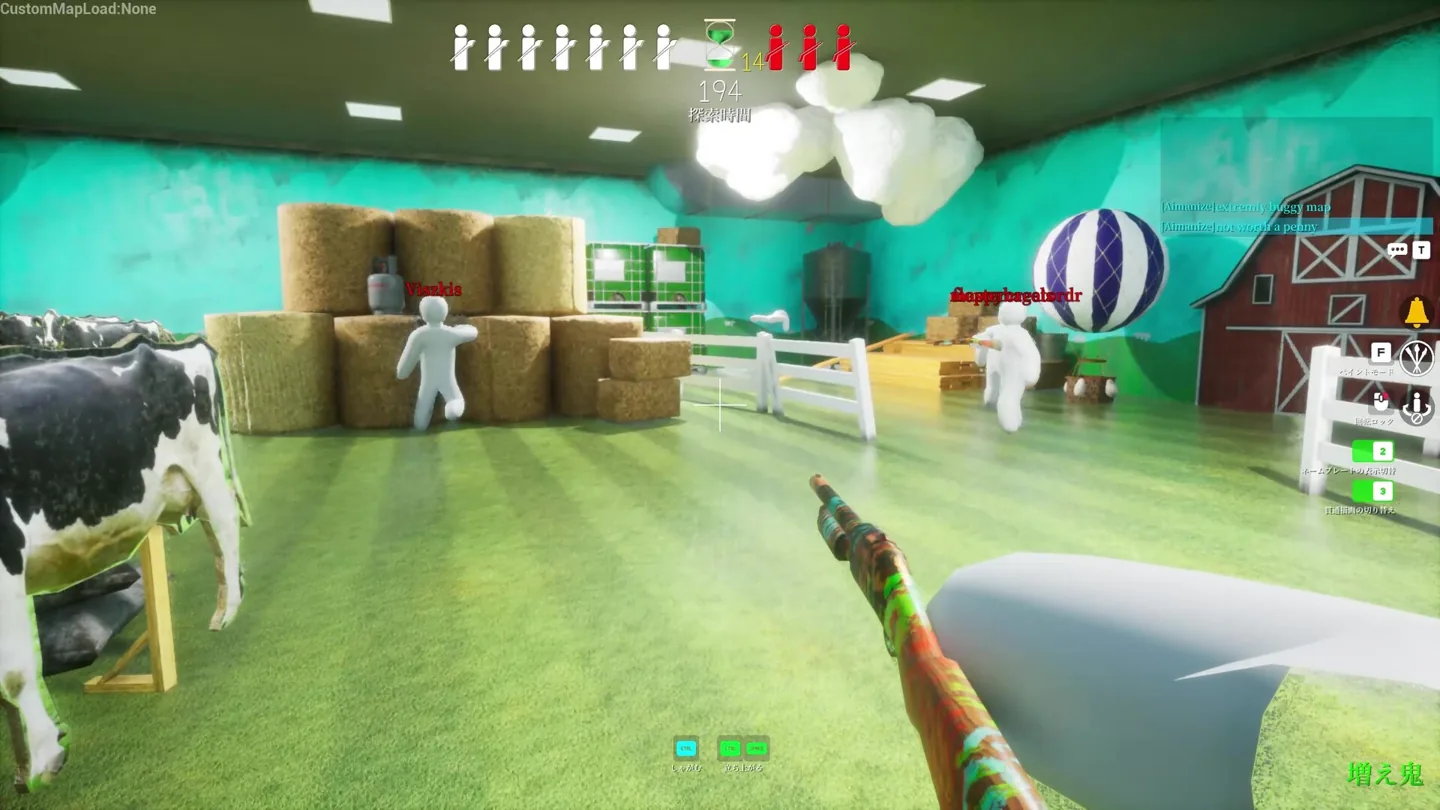
A Workshop map can change the hiding layout, color zones, cover, routes, spawn points, and sightlines. That makes the map part of the strategy: visually busy rooms reward silhouette control, while bright open arenas make movement and color-value mistakes easier to spot.
This page is narrower than our general MECCHA CHAMELEON guide. The main guide explains the game and camouflage loop; this page answers the distinct map intent: where community maps live, how to subscribe, how to load them, and what to do when they do not appear.
How to subscribe to MECCHA CHAMELEON maps
Use the official Steam client and the game's Community Hub. Exact labels can shift with Steam updates, but the subscription flow remains simple.
- Open the official game page
Confirm MECCHA CHAMELEON and app ID 4704690 before following community links.
- Open Community Hub and Workshop
Choose Workshop from the game's community area. Steam currently labels the content as ready-to-use items.
- Review the item page
Read the description, update date, dependencies, comments, screenshots, and creator notes.
- Select Subscribe
Steam adds the item to your subscribed content and downloads it through the client.
- Let Steam finish updating
Do not launch immediately if the download queue is active. A partial item often looks like a missing map.
How to load a subscribed map
Launch the game from the same Steam account that subscribed to the map. Look for a custom map, Workshop, community content, or stage-selection area in the current menu. Menu wording can change after updates, so this guide avoids claiming a permanent button path.
If you host a multiplayer room, select the map before inviting players when possible. Other players may need the same Workshop item. For a first test, load it privately and check spawn points, boundaries, collision, hiding surfaces, and whether every route can be completed.
How to choose good Workshop maps
High subscription counts can help, but they are not a complete quality signal. A good MECCHA CHAMELEON map supports both sides: enough visual noise and route choices for hiders, plus readable lanes and fair scan opportunities for seekers.
| Check | Good sign | Warning sign |
|---|---|---|
| Recent maintenance | Creator notes or recent updates | Old dependencies with no explanation |
| Screenshots | Show the real layout and playable spaces | Unrelated art or no gameplay view |
| Comments | Specific feedback about balance and bugs | Repeated crash or missing-texture reports |
| Layout | Multiple routes, cover, and color zones | One dominant hiding spot or dead-end spawns |
| Dependencies | Clearly listed Workshop requirements | Requests for external executables |
MECCHA CHAMELEON map not showing: fixes
Most missing-map problems come from an unfinished Steam download, a disabled subscription, a stale game session, a required dependency, or an item that no longer matches the current game build.
- Exit the game, confirm the item still shows Subscribed, and wait for Steam Downloads to finish.
- Restart Steam, then verify the game's installed files if several items fail at once.
- Re-open the Workshop page and check for required items or creator instructions.
- Unsubscribe, allow Steam to remove the item, then subscribe again from the official Workshop page.
- Test one map at a time; a large batch hides the broken dependency.
- If only one map fails, report it on its Workshop page with the game version and reproduction steps.
Can you download MECCHA CHAMELEON maps without Steam?
Important update: a July 2026 security incident showed that a malicious Workshop map could abuse an unintended scripting capability. The developer stated that the base game did not contain an embedded virus and published fixes. Keep the game updated to version 3.3.0 or later, review item history and comments, and do not treat every Workshop subscription as automatically safe.
Do not run an executable just to install a map. Do not disable antivirus protection because a mirror says it is required. This site does not host map files, cracks, cheats, or launchers, and it does not claim third-party downloads are official.
MECCHA CHAMELEON is currently listed for Windows on Steam, with no native macOS or Linux support shown in the official data checked on July 10, 2026. Platform compatibility can change, so verify the live Steam page before purchasing.
- Prefer the official Steam store and Steam Community Workshop.
- Avoid cheat, hack, cracked, and free-full-version pages.
- Treat external executables and password-protected archives as high risk.
- Back up personal files before testing any community modification outside Steam.
Official sources checked
These links verify the platform, release date, Workshop support, and community-item path. Price and item counts can change.
MECCHA CHAMELEON maps FAQ
How do I get mods on MECCHA CHAMELEON?
Start with the official Steam Workshop. Subscribe to a ready-to-use item, let Steam download it, and follow the creator's listed requirements. Avoid external executables marketed as map installers.
Where are MECCHA CHAMELEON maps?
Open the game's Steam Community Hub and choose Workshop. Inventory changes as creators publish, update, or remove items.
Why is my subscribed map not showing?
Finish the Steam download, restart the game and Steam, check dependencies, and test a fresh resubscription.
Can I install maps without Steam?
This guide does not recommend unofficial map downloads. Steam Workshop is the verifiable route for the Steam version.
Does MECCHA CHAMELEON run on Mac or mobile?
The official data checked on July 10, 2026 lists Windows, not native macOS, Linux, iOS, or Android versions. Verify the current store page because plans can change.
Related guides
Independent fan guide. Not affiliated with MECCHA CHAMELEON, Steam, Workshop creators, or the developer and publisher.