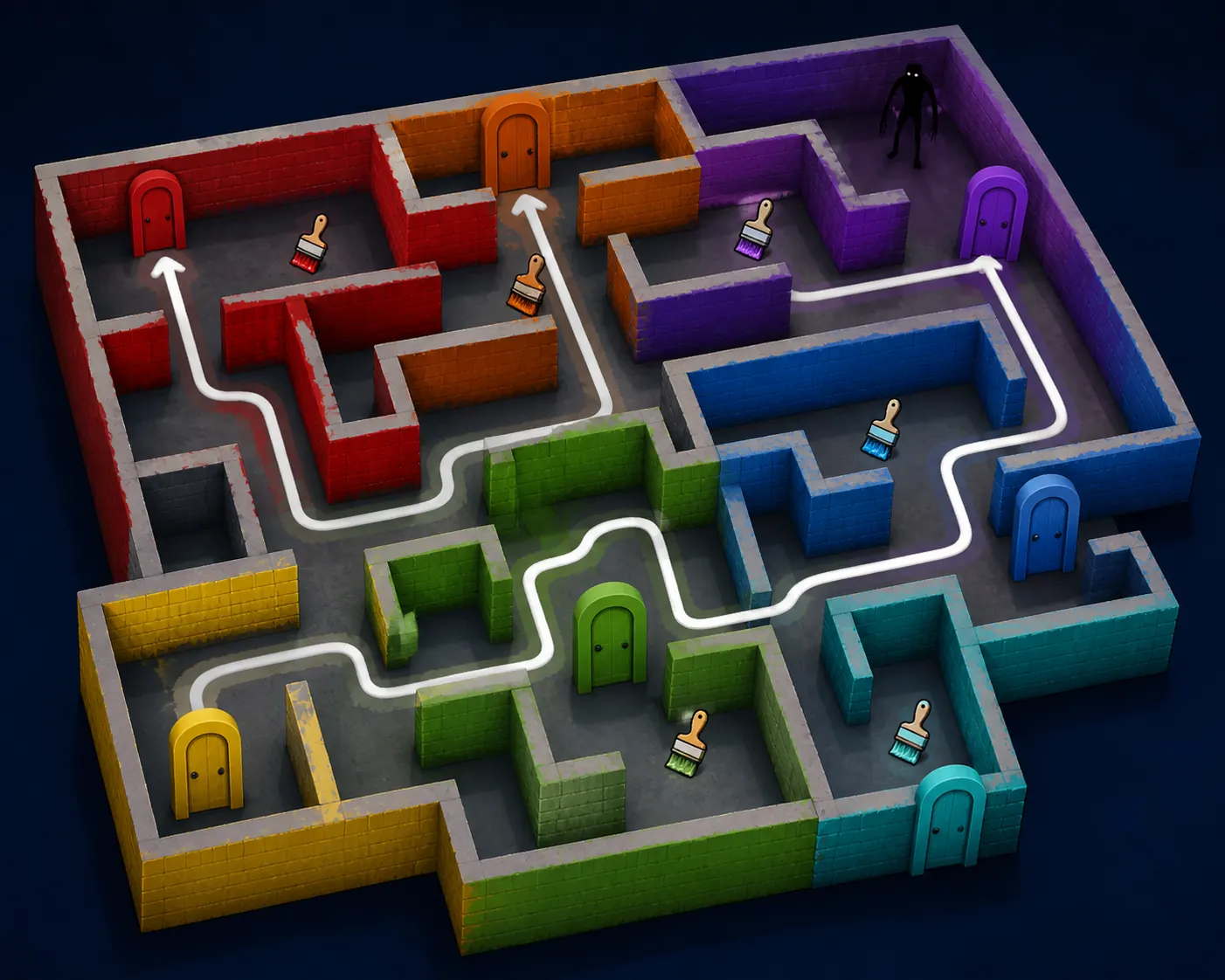
Color or Die Chapter 1 map: the route answer first
The search behind Color or Die Chapter 1 map is usually a stuck-player problem. You need to know which color zone to read next, whether a brush is worth a detour, and how to return to cover before the monster turns the corner. A useful route is not simply a list of doors. It is a repeatable loop: identify the next gate, search the nearby side rooms, confirm the matching brush or key, then return through a safe landmark.
Treat any online map image as a reference rather than a permanent blueprint. Roblox experiences can change room order, item placement, lighting, or door behavior after an update. This page therefore explains how to navigate Chapter 1 without inventing exact coordinates. Use the official experience and current player-facing description to verify a room when the live game disagrees with an older guide.
This is a focused Chapter 1 route page. The broad Color or Die Roblox Guide explains the full game loop, the Chapter 2 Map page owns its separate chapter route, and the White Paint page answers a narrow white-door problem. Keeping those boundaries separate makes it easier to choose the right guide when a search result only gives you a color or door name.
| Player problem | Best page fit | What to do |
|---|---|---|
| I need the Chapter 1 route | This page | Track zones, brushes, doors, and a safe return landmark |
| I am stuck at a white door | White Paint guide | Use the focused white-paint checklist |
| I need Chapter 2 | Chapter 2 Map guide | Switch to the chapter-specific route page |
| I need the official game | Roblox search | Verify the current creator, title, and play page |
Read Chapter 1 as route zones, not one long hallway
When players memorize every turn as one huge maze, one changed wall or missing brush can break the whole plan. A better method is to divide the map into zones. Give each zone a color identity, a door landmark, and one place where you can pause without standing in an open lane. You are building a mental index, not trying to remember a screenshot pixel by pixel.
At each junction, ask three questions before moving: what color or object is the next gate, what item could be nearby, and which landmark will let me retrace the route? If you cannot answer the third question, do not sprint deeper into the map. Check the last corner, wall pattern, or doorway that you can recognize from both directions.
The route illustration above is intentionally simplified. Its value is the loop: outer zone, side-room check, central return, then the next color branch. It should help you describe a route to a friend, but it should not be presented as an official Chapter 1 room-by-room map.
| Zone habit | Why it helps | Checkpoint to record |
|---|---|---|
| Name the wall color | Prevents mixing two similar corridors | The color and the nearest door shape |
| Search side rooms once | Reduces repeated backtracking | Whether the brush, key, or dead end was checked |
| Keep a retreat landmark | Makes monster pressure manageable | A corner, doorway, or wall pattern |
| Return before the next branch | Stops a wrong turn becoming a lost run | The last confirmed gate |
Door and paintbrush checklist for Chapter 1
A color door is not just decoration. It is a route checkpoint. Before you leave a door, note its wall color, nearby floor pattern, and whether you have already checked the short rooms beside it. That small description is more reliable than trying to remember that the door was somewhere on the left side of a large map.
Paintbrush searches are easiest when you search by route priority. First inspect rooms attached to the next required gate. Then check a nearby loop that returns to a known landmark. Only after those checks should you cross a long exposed corridor. This order keeps the search efficient and gives you a clear reason to retreat if the monster appears.
Do not assume a brush shown in a community image is still in the same room. Use the image as a visual clue for the kind of location to inspect, then confirm the live room, color, and door behavior. If an item is missing, record the current chapter and update context before deciding that the guide or the game is wrong.
| Check | Good note | Common mistake |
|---|---|---|
| Door | Color plus a nearby landmark | Remembering only that it was near spawn |
| Brush | Room branch and return path | Searching the same open hallway repeatedly |
| Key | Door color it appears to serve | Carrying it without checking the next gate |
| Dead end | Why it was cleared | Treating every dead end as a random failure |
Keys, teal doors, and the questions players ask most
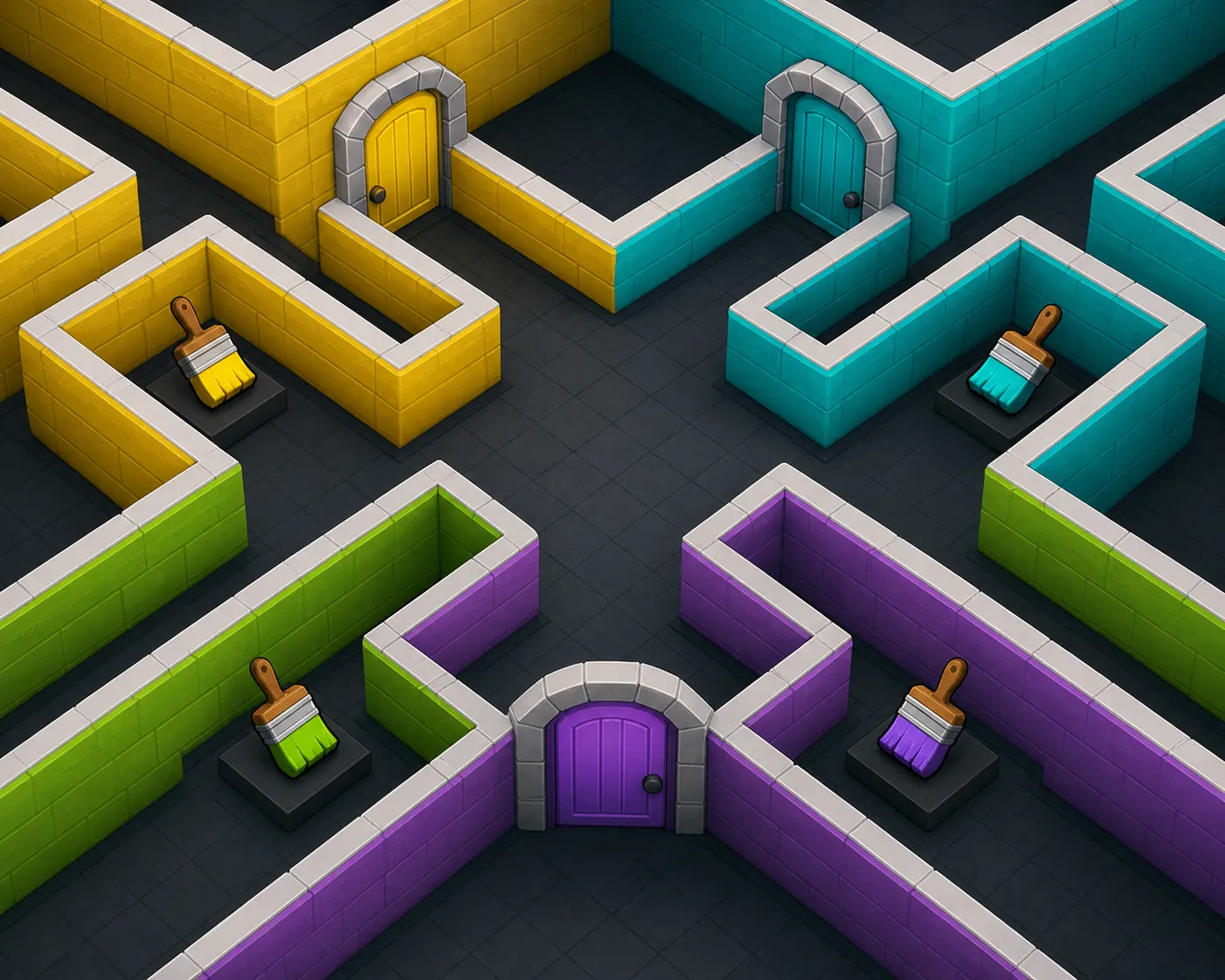
Questions such as where the key goes in Color or Die or where the teal door is usually happen because the player has the right object but has lost the route context. Start from the last door you opened, not from the key itself. Revisit the nearest junction and compare the door colors you have not tested. The goal is to match the item to a visible gate while keeping a retreat route open.
For a teal or yellow-door problem, use a two-pass search. On pass one, inspect the obvious matching-color branch and remember the entry landmark. On pass two, check the short side rooms connected to that branch. If neither pass produces the expected interaction, stop forcing the puzzle and verify whether the live experience has changed after an update.
Avoid copying a precise key location from a low-context video or an image with no chapter label. The same color vocabulary can appear in multiple chapters, and a thumbnail can be reused for an older route. A short note with chapter, door color, item name, and update context is safer than a confident but outdated coordinate.
Monster timing: when to push and when to reset
A route can be correct and still fail if you cross an open lane at the wrong moment. Treat the monster as a timing constraint, not as a reason to abandon the map. Before entering a new zone, identify one corner or wall section that can break line of sight. If you cannot see a safe return, wait, listen, or take the shorter branch first.
When the monster is close, do not spend the whole timer searching every side room. Finish the interaction you already started only if the retreat is clear. Otherwise return to the last reliable landmark and reset your route memory. A safe reset often saves more time than a desperate push that leaves you lost in a new color zone.
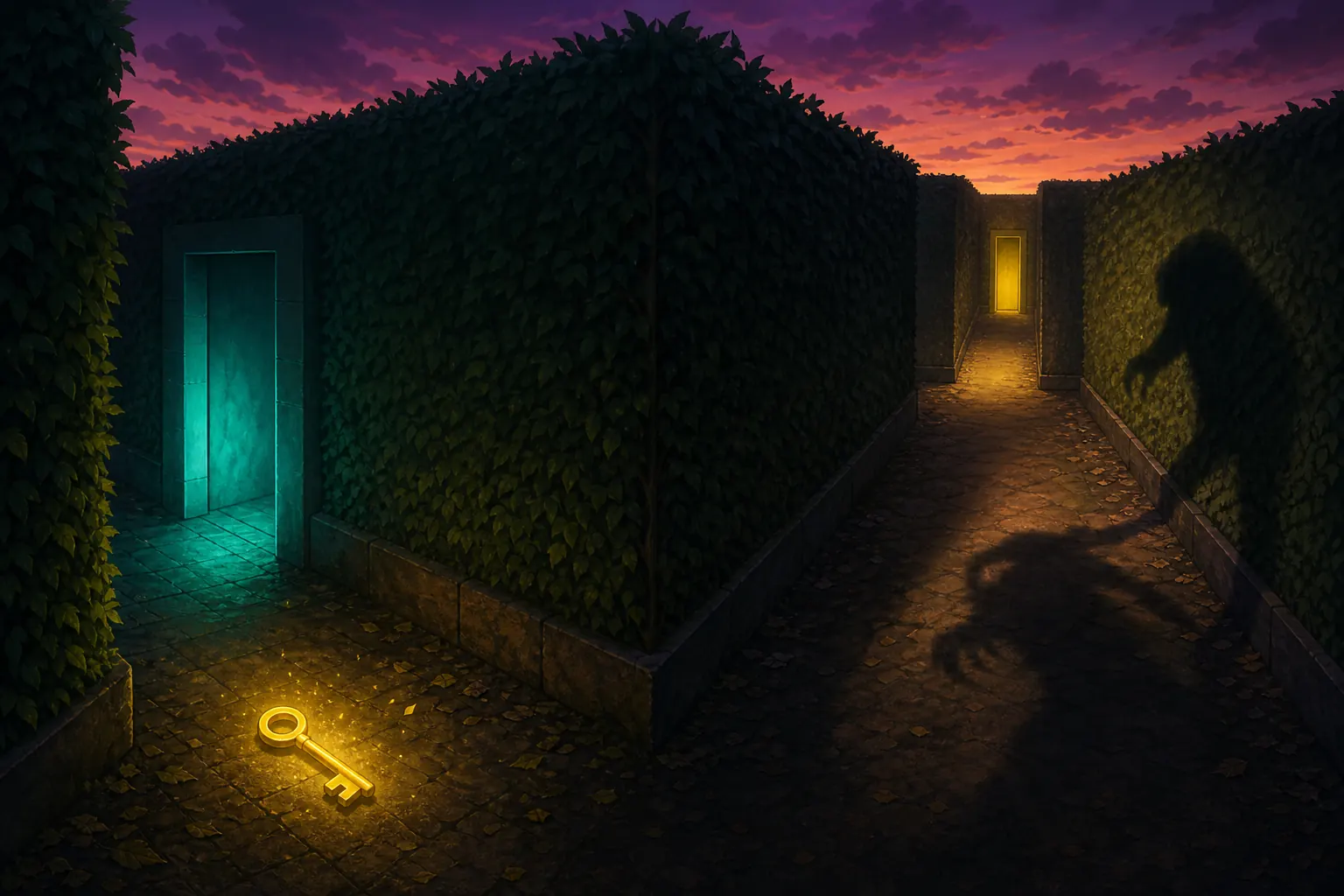
The safest advice is deliberately general because live enemy behavior and room layouts can change. Use the visual below to think about key placement, two door choices, and a shadow crossing the opposite lane. It is a timing concept, not a promise about the official map geometry.
How to verify Chapter 1 after a Roblox update
If an older route no longer works, compare the live Roblox experience before changing your whole strategy. Confirm the experience title and creator, read the current description, and check whether the thumbnails or player-facing details indicate a different chapter or event. A guide should help you verify the game, not send you to a mirror or a downloadable copy.
Record the update context when you report a change: the date you checked, the chapter name, the door or item that moved, and whether the issue happened in a public or private round. Those details let you distinguish a true route change from a missed side room or a similar Color or Die result.
This page keeps its route advice update-resistant by focusing on landmarks, color checks, safe returns, and verification habits. When a future update changes the exact rooms, the official Roblox experience remains the source of truth and this guide can be refreshed without pretending that old editorial art is a live map.
Avoid fake map downloads and script traps
You do not need an APK, EXE, script executor, browser extension, or mirror download to play a Roblox Color or Die experience. A page that promises an instant map unlock or asks for your Roblox password is not a normal route guide. Close it and return to the official Roblox domain or app.
Community maps and videos can be useful for recognizing landmarks, but label them as community material and check the chapter before trusting them. Do not enter account credentials on a guide site, do not install a file to reveal a door location, and do not treat an unofficial thumbnail as proof that the experience is current.
The page is an independent fan guide. It explains route thinking and safe verification; it does not host Roblox, copy the game, or provide a third-party playable download.
Color or Die Chapter 1 Map FAQ
Independent fan guide. Not affiliated with Roblox, Color or Die, BIGworks Games, or any developer or publisher. Editorial images are explanatory art, not official screenshots.