Color or Die Roblox: the direct answer
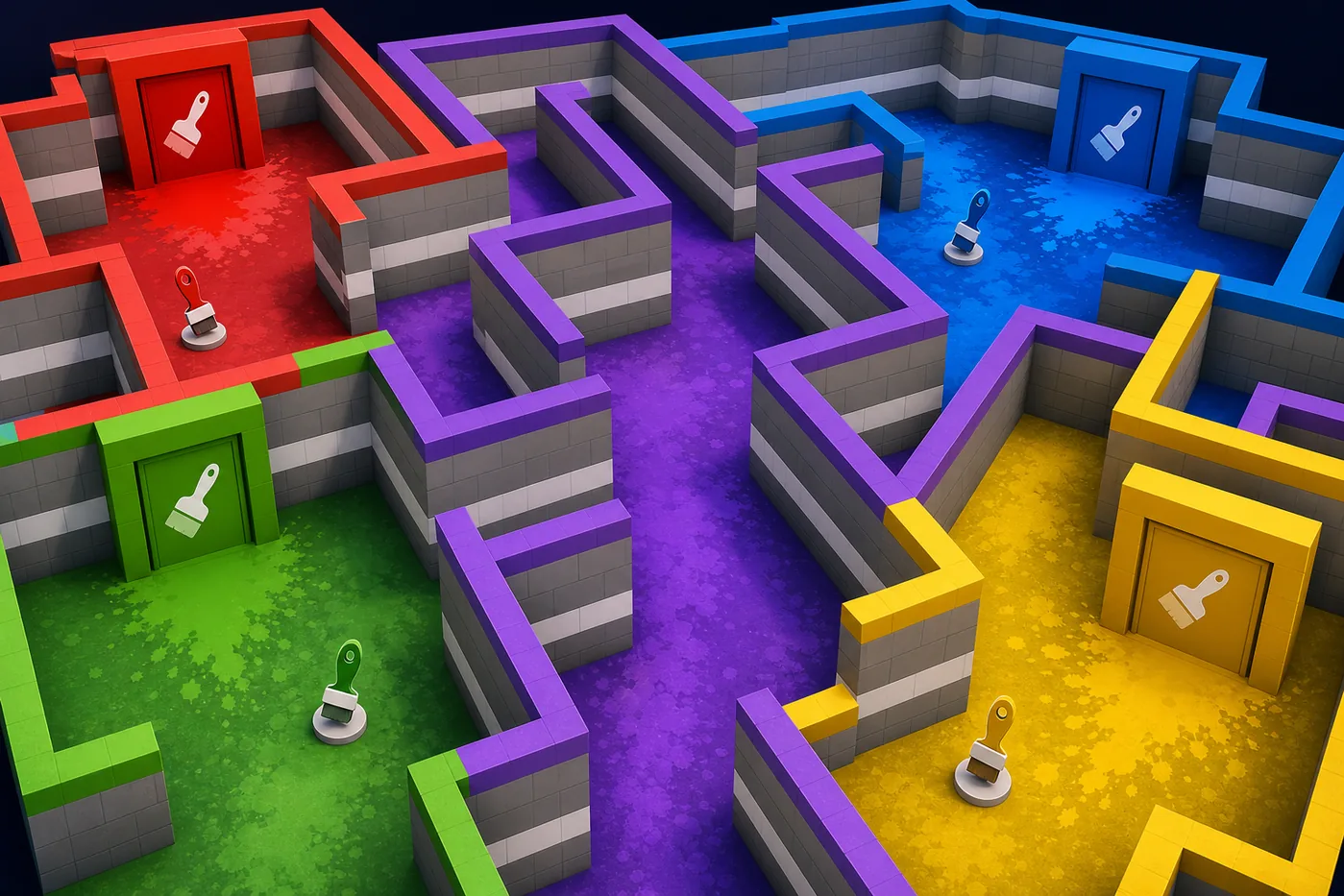
Color or Die is a Roblox survival-maze experience from BIGworks Games. Players carry a paint color, move through a maze, and press against matching walls to avoid the roaming creature. Progress comes from opening color-coded doors, collecting paintbrushes or route items, and learning where safe wall coverage ends.
This page is the whole-game hub. It does not replace the focused white paint guide or the Chapter 2 map guide. Use it to understand the game, confirm the official experience, and decide which detailed route page solves your current problem.
How the color-wall survival loop works
The safest way to play is to think in short loops: identify the next door, remember the nearest matching wall, cross open space only when the monster path is clear, and return to cover before checking your inventory. A matching wall is useful only when your character is positioned closely enough and your current paint still matches.
Do not treat every corridor as a sprint. Stop at intersections, listen and look for the monster, then move to the next known wall. Route memory matters more than raw speed because a fast run into the wrong color lane usually ends immediately.
| Step | Goal | Common mistake |
|---|---|---|
| Match paint | Blend into the correct wall | Hiding beside a similar but wrong color |
| Open a door | Reach a new route segment | Forgetting the nearest safe wall |
| Collect brushes | Advance completion progress | Crossing the maze without checking count |
| Return to cover | Reset the monster risk | Waiting in open corners |
Chapters and progression
Color or Die chapters expand the route problem rather than changing the basic rule. New layouts add more door sequences, longer backtracking, item checks, and dangerous crossings. Start by learning one dependable loop instead of trying to memorize the entire map at once.
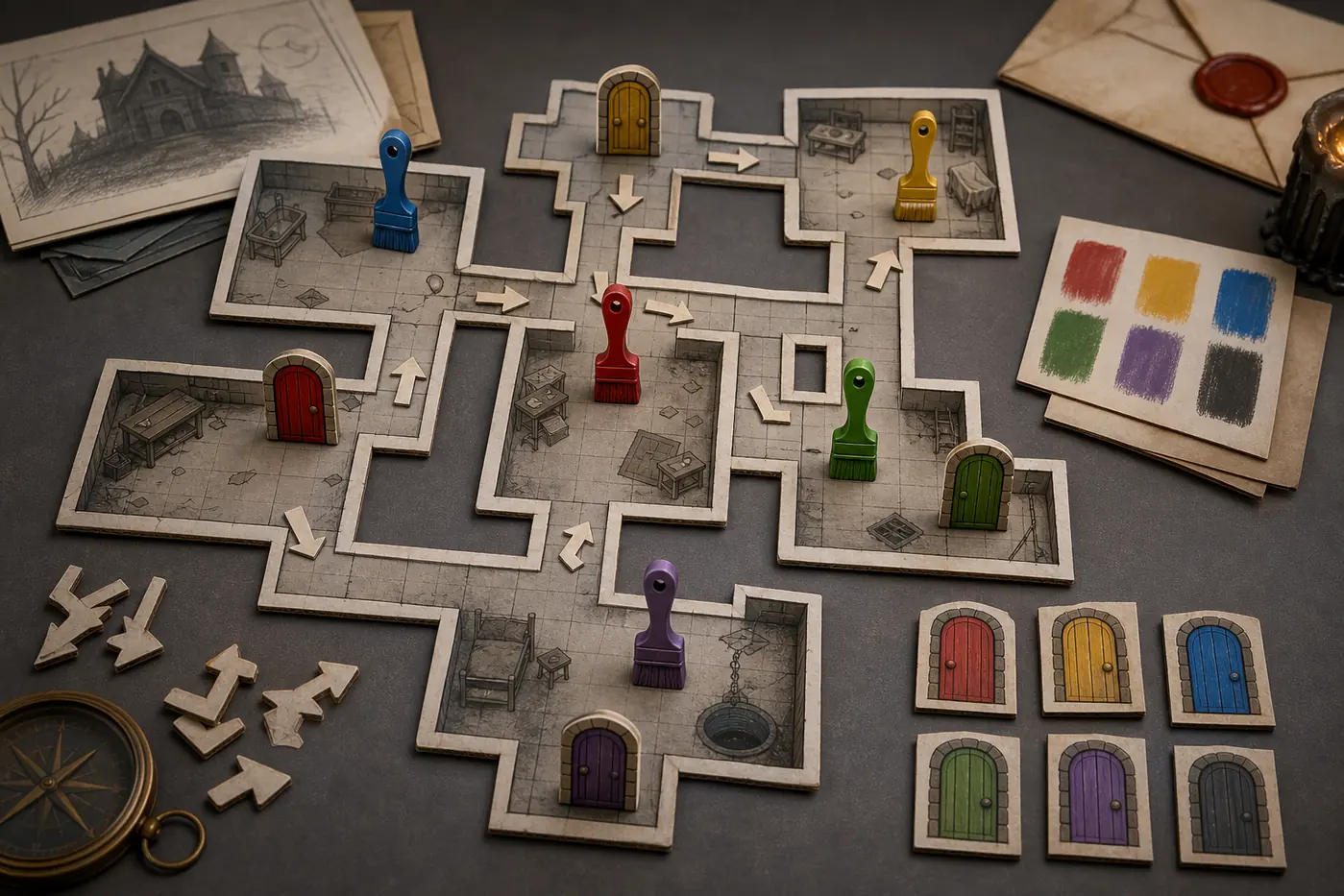
For Chapter 2, track the order of doors and brushes as a checklist. The dedicated Chapter 2 map page explains route loops, monster timing, and how to avoid repeating the same corridor.
Paintbrushes, doors, and route planning
Paintbrushes are progress markers, not a reason to abandon safety. Before taking a brush, identify the wall you will use after the pickup and the direction you must return. If a door opens into an unfamiliar zone, pause and map the first safe color before moving deeper.
Keep a simple mental checklist: current color, next door, brush count, nearest cover, and retreat path. That five-part check prevents most avoidable backtracking.
| Check | Question to ask |
|---|---|
| Current paint | Which wall can hide me now? |
| Next door | What color or item does it require? |
| Brush count | Did the last pickup register? |
| Cover | Where is the closest matching wall? |
| Retreat | Can I reverse the route safely? |
Survival tips for hiders
Keep the camera aimed toward the most likely monster approach while moving along a wall. Avoid standing at the exposed edge of a color panel, because the next turn can reveal your character before you react. When another player runs through your lane, wait a moment rather than following into the same danger path.
If you are lost, return to the last confirmed color door instead of wandering. A known checkpoint gives you a reliable wall, a recognizable landmark, and a better place to rebuild the route.
Which Color or Die guide should you use?
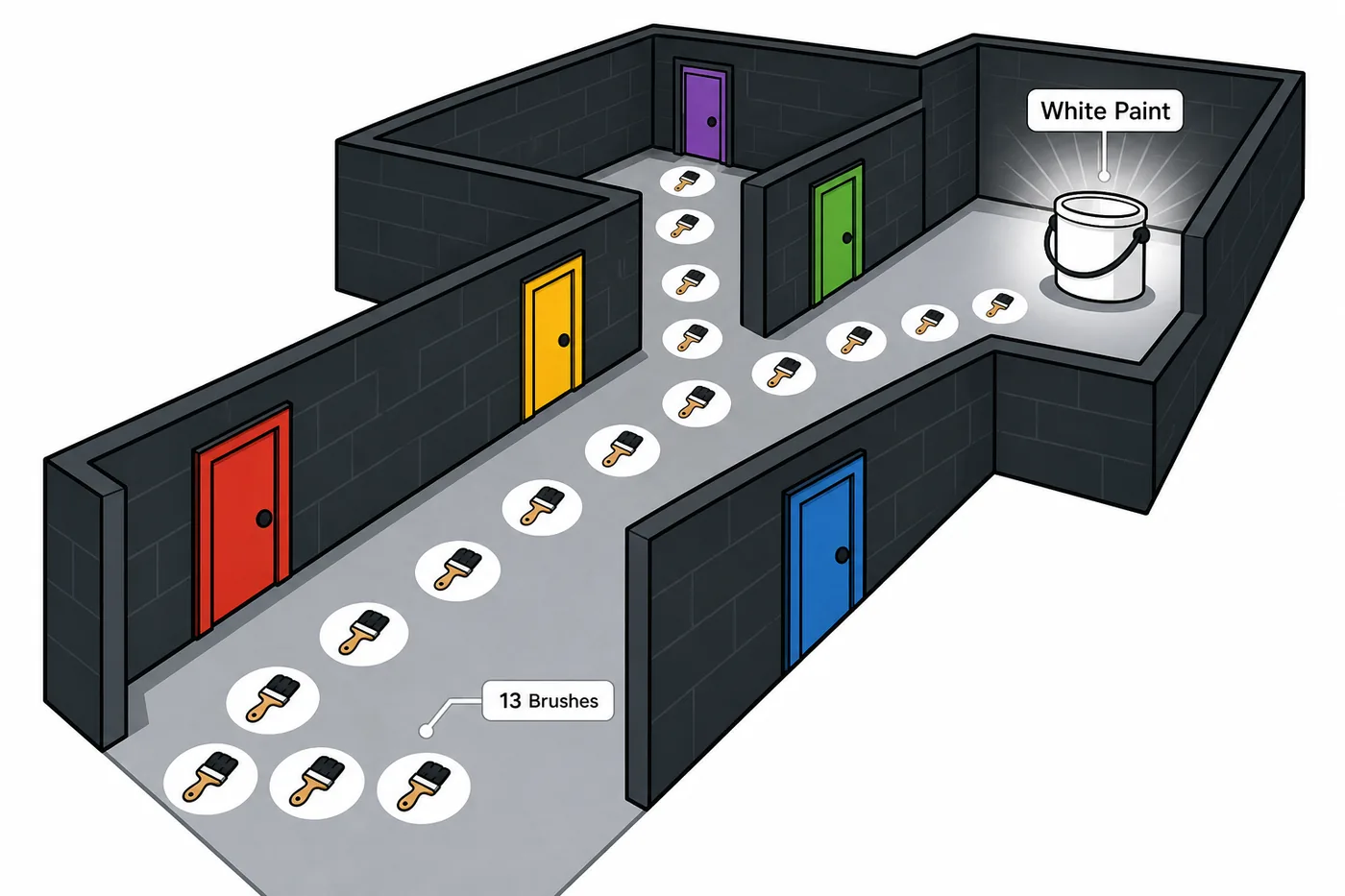
Use this hub for the official game, basic rules, chapter structure, and general survival. Use the white paint page when your problem is specifically the white door or white-paint route. Use the Chapter 2 map page when you need route order, brush tracking, and monster timing for that chapter.
Separating these intents keeps every page useful: the hub explains the game, while the child guides solve narrow maze problems.
| Your question | Best page |
|---|---|
| What is Color or Die on Roblox? | This guide |
| How do I survive and progress? | This guide |
| Where is white paint? | Color or Die White Paint guide |
| What is the Chapter 2 route? | Color or Die Chapter 2 Map guide |
Official Roblox link and download safety
Color or Die runs inside Roblox. Use the verified Roblox experience page and confirm the developer name before pressing Play. You do not need a separate APK, EXE, installer, script, or mod to access the normal game.
Avoid mirror downloads that claim to provide unlocked paint, cheats, private executors, or a standalone Color or Die client. This independent guide does not distribute game files and does not claim that third-party downloads are safe.
Color or Die Roblox FAQ
Independent fan guide. Color or Die, Roblox, and related marks belong to their respective owners. Editorial illustrations on this page are explanatory art, not official screenshots.