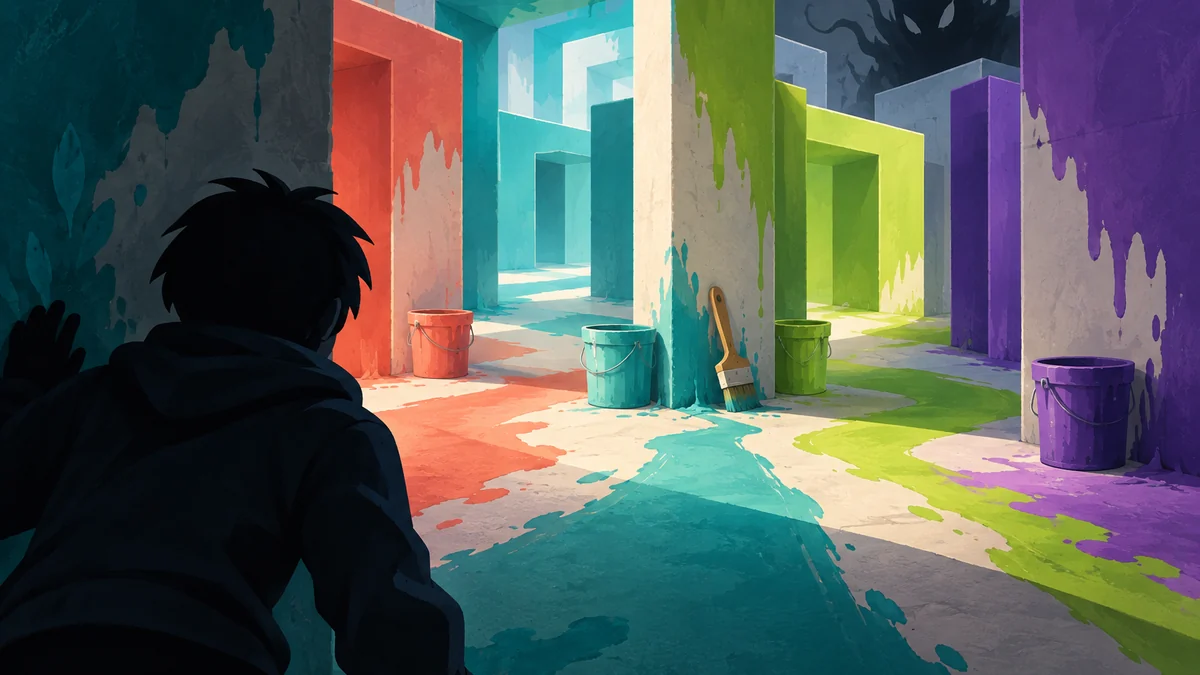
Color or Die Chapter 4 map: the route answer first
The Color or Die Chapter 4 map is easiest to follow as connected checkpoints, not one straight corridor: red bucket, puzzle wall, color-door loops, brush counter, obstacle rooms, then the white exit.
Use each opened door and brush count to decide whether to move on or backtrack. This independent route is based on published walkthroughs; its diagram is editorial, not an official or scale-accurate map. Follow the live game state if a room or item differs.
| If you are stuck on | Check this landmark | Next useful action |
|---|---|---|
| The first color loop | Red bucket and puzzle area | Mark the teal door before moving deeper |
| A missing brush | Brush-count wall and side halls | Recheck the last opened door and nearby loop |
| Sir Leon is close | A short room or open doorway | Break line of travel before continuing |
| The final escape | White room and glowing keyhole | Check the door state, then take the obstacle slowly |
Reach the Chapter 4 hub before starting the route
The checked Chapter 4 guide says a registered escape on an earlier map unlocks the spiral passage and elevator. After its short countdown, use the black wall in the hub to start Chapter 4.
If the passage is missing, confirm that the previous map recorded an escape; collecting colors alone may not unlock it. Remember the elevator as your return landmark before leaving the start area.
| Stage | What to confirm | Why it matters |
|---|---|---|
| Unlock | An escaped ending on an earlier map | The spiral route may not appear before it registers |
| Elevator | The short countdown has finished | The Chapter 4 hub loads after the transition |
| Start | The black wall and return direction | You have a known point to use after a chase |
Color or Die Chapter 4 route order and checkpoints
Start at the red bucket and note the teal door. Continue past the elevator to the jigsaw wall; its puzzle piece opens a new loop toward the orange bucket. Return to the teal door only after checking that branch.
Use the yellow door and purple-orange hall to locate the first brushes. Return to the jigsaw wall for the newly opened section, then confirm progress at the brush counter. Later, follow the orange door toward the yellow bucket and counter; check the right-hand corridor before trying the yellow door.
The yellow door leads to a black-and-white obstacle course. Clear it, collect the next color and brush, then follow the unlocked routes. Later landmarks include a portal room, the doorknob-and-gear obstacle, and the white locker room.
| Checkpoint | Landmark to look for | Route note |
|---|---|---|
| Opening | Red bucket, then the teal door | Keep the teal door on your mental list |
| Puzzle loop | Elevator entrance and jigsaw wall | Use the puzzle piece to open the next brush/color section |
| Brush sweep | Purple-orange hall and brush counter | Check side paths before returning to a color gate |
| Obstacle loop | Yellow door and black-and-white course | Clear it, then follow the unlocked route |
| Final return | White locker room | Confirm the counter before entering the exit sequence |

Use the door and paintbrush checklist to avoid missed branches
After opening a color door, note what changed: a room, brush count, bucket, or obstacle. Check the counter before another long loop; if it did not change, revisit the newest branch rather than repeating the whole route.
Keep four cues in mind: color, door, item, return landmark. That short list is more useful than memorizing decorative details.
Before leaving a color zone, check which open door leads back toward the hub and whether the brush count changed. If a new room splits into several paths, note the door you can use to return. That gives you a clear checkpoint if a chase interrupts the route.
| State change | Record it as | Before you leave |
|---|---|---|
| A bucket opens a color door | Color plus door location | Check the space immediately beyond it |
| A puzzle piece opens a gate | Jigsaw wall and new branch | Look for the brush or bucket |
| A brush is collected | Counter before and after | Confirm the count before backtracking |
Sir Leon changes how color-wall hiding works
The checked Chapter 4 guide says Sir Leon can assimilate a player's color and spot them against a wall of that color. Treat a matching wall as uncertain concealment, not a guarantee of safety.
If he is nearby, break line of travel through a short room or an unlocked doorway instead of checking a distant brush in an exposed hall. Tell teammates your room color, open door, and return route; resume from the last confirmed checkpoint when the danger passes.
| Situation | Do not assume | Safer response |
|---|---|---|
| Sir Leon has your color | A same-color wall guarantees concealment | Use cover, another room, or timing before moving |
| He blocks a corridor | Running straight is safest | Wait at a short room or return through an open door |
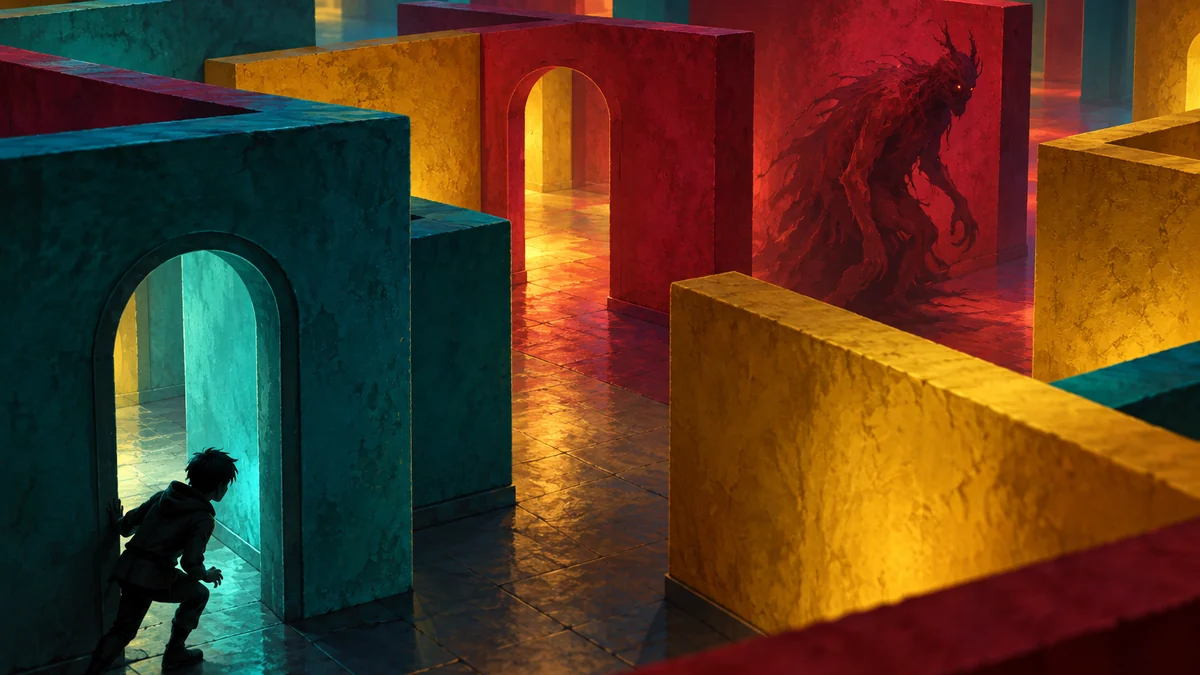
Recover your bearings when the Chapter 4 map feels repetitive
Pause near cover and recall the last door, confirmed brush count, and a recognizable return wall. If a respawn or update changes your view, reorient at the jigsaw wall, elevator side, brush counter, yellow teleport room, or white locker area instead of trusting left-right memory.
The player walkthrough returns to the maze after the gear obstacle. Follow the visible path and keep counted items; reset only if the run has ended or the live game blocks progress.
| What went wrong | First check | Avoid |
|---|---|---|
| You lost the route | Last known door and return wall | Repeating every corridor from the start |
| A brush seems missing | Counter wall and unsearched branch | Assuming the last room was fully checked |
| Sir Leon interrupted the loop | Open door and safe room | Running into the same exposed lane |
Finish in the white room and take the exit slowly
When the brush-door sequence opens the white area, return to the locker room and verify the counter and door state. The player walkthrough describes painting the room, choosing an exit door, and entering the glowing keyhole.
Take the final obstacle slowly, especially on mobile. Follow the current in-game prompt because exit doors and animations may change; this guide cannot guarantee a particular ending.
Official source, video context, and safe guide use
The official Roblox description confirms the matching-wall, color-collection, monster, and maze loop. Use the live listing to verify the experience before following a third-party guide; this page does not host the game or offer a download.
Route notes are cross-checked against a written guide and a player walkthrough. The three visuals are editorial illustrations, not official Roblox media or verified room screenshots.