Is MECCHA CHAMELEON on PS5?
As of August 16, 2026, no developer-linked native PS5 edition or official PlayStation Store listing was verified for MECCHA CHAMELEON. The official Steam page is the clearest first-party listing checked for this guide, and it presents the game through a Windows PC route rather than a PlayStation console route.
That answer is about current evidence, not a permanent promise that a console port can never happen. A controller tag, Steam Deck report, or streaming setup can make a PC game feel console-friendly, but none of those signals proves that a native PS5 build exists.
What the official platform check confirms
The safest way to answer a platform question is to start with the publisher or developer-linked store listing, then look for a matching console announcement. Search snippets, reseller pages, videos, and pages that reuse the game name can be useful clues, but they are not enough to prove a PS5 release. This matters because MECCHA CHAMELEON is often described by its paint-yourself hide-and-seek mechanic rather than by a platform-specific product name.
The Steam listing checked for this article identifies the PC game, shows Windows system requirements, and provides the normal Steam purchase and community path. It does not provide a PS5 store link or a confirmed PlayStation release date. Treat that as a cautious current-status answer: the Windows version is documented, while a native PS5 build remains unverified.
A missing console listing is not evidence that the developer will never port the game. It only means that a reader should not pay a third-party seller, install an unofficial package, or trust a countdown page while waiting for a real announcement.
| Evidence checked | What it supports | What it does not prove |
|---|---|---|
| Official Steam listing | A real Windows PC route for MECCHA CHAMELEON | A native PS5 build |
| Windows system requirements | The currently documented PC environment | PlayStation compatibility |
| No verified PS5 listing found | No confirmed PS5 release in this check | That a future port is impossible |
| A third-party article or video | A lead to investigate | An official release announcement |
Why controller support does not equal a PS5 version
Many PC games accept a gamepad even when they have never shipped on a console. The input device is only one layer of compatibility. A native PS5 release also needs a PlayStation build, platform certification, a PlayStation Store product page, console-specific settings, and an official announcement that connects all of those pieces.
The same distinction applies to Steam Deck reports. A community player may be able to launch a Linux-compatible or streamed version on a handheld, but that does not transform the Windows build into a PlayStation application. Use Steam Deck or controller evidence to plan PC play, not to claim that MECCHA CHAMELEON is on PS5.
Remote play is another source of confusion. Streaming a game from a PC to a supported screen can be useful, but the host PC is still doing the work. Remote access is not a native PS5 release, does not create a PS5 store entitlement, and should never be marketed as a console port.
| Signal | Reasonable conclusion | Do not claim |
|---|---|---|
| PC controller support | A controller may work on the Windows version | The game is available on PS5 |
| Steam Deck or Proton report | A handheld PC may run the game for some players | The game has a PlayStation build |
| Remote play from a PC | A host PC can stream its own copy | A native PS5 edition or PS5 download |
| Official PS5 announcement | A real console release can be evaluated | A rumor is enough to publish a date |
What you can play right now
If you want to play MECCHA CHAMELEON today, use the official Windows Steam listing as the starting point. Check the live store page for the current price, system requirements, online features, supported languages, and purchase options because those fields can change. This guide does not host the game and does not provide a mirror, crack, APK, or console installer.
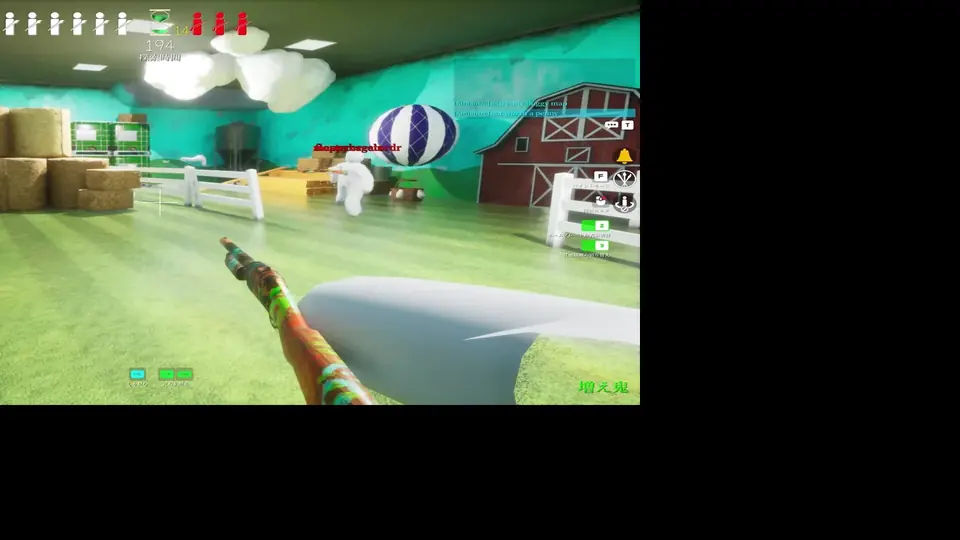
A Windows player can choose keyboard and mouse or test a supported controller if that better fits the paint-and-hide loop. Keep the platform claim precise: you are playing the Steam PC version. If you stream that PC session to another screen, explain it as remote access to the PC copy rather than as a PS5 edition.
For a group planning a console night, the most useful answer is to wait for an official platform announcement instead of relying on a reseller page. The official source should identify the PlayStation platform, the publisher or developer, the store listing, and the release status in one verifiable path.
- Open the official Steam page
Confirm that the title, publisher path, PC requirements, and current store details match the game you mean.
- Check your Windows setup
Review requirements and online features before buying; do not assume that a controller or streaming device changes the platform.
- Use a controller only as an input choice
A gamepad can improve comfort on PC, but it does not create a PS5 build or a PlayStation Store license.
- Keep future console plans separate
Wait for a developer, publisher, or PlayStation Store listing before treating a port as real.
How to verify a future PS5 release safely
A legitimate future release should leave several matching traces. Start with an official announcement or a verified developer account, then follow the link to a real PlayStation Store page. Compare the product name, publisher, screenshots, description, and release status; a copied key-art image alone is not enough.
Be careful with pages that use the words “PS5 download,” “free console version,” or “unlock.” They may be search spam, a reseller listing, a remote-play explanation rewritten as a port, or a file that has nothing to do with the game. Never enter a Steam or PlayStation password into a third-party verification form to unlock a supposed console build.
When a real announcement appears, update the platform facts, date, screenshots, and links together. Until then, the honest wording is simple: MECCHA CHAMELEON has a verified Windows Steam path, while a native PS5 release was not verified on the date of this check.
- Prefer a developer, publisher, Steam announcement, or PlayStation Store source.
- Check that the publisher and product identity match across every page.
- Do not invent a PS5 release date from a rumor, video title, or reseller estimate.
- Do not download unofficial installers, cracked builds, APKs, or “unlock” tools.
- Recheck this page after a major official announcement because platform status can change.
MECCHA CHAMELEON PS5 FAQ
Is MECCHA CHAMELEON on PS5?
As of August 16, 2026, no native PS5 edition or developer-linked PlayStation Store listing was verified. The official Steam route currently documents the Windows PC version.
Will MECCHA CHAMELEON be released on PS5?
No official PS5 release date was found in the checks for this guide. A future port is possible in theory, but only an official announcement and matching store page should change the status.
Can I play MECCHA CHAMELEON with a PS5 controller?
A PS5 controller may work as an input device on a Windows PC depending on the game, Steam Input, drivers, and mapping. That controller setup is still PC play, not a native PS5 version.
Is Steam Deck the same as PS5 support?
No. Steam Deck is a handheld PC platform. A community compatibility report or Proton result can describe PC play, but it does not prove that the game is available on PlayStation.
Can I play the PC version on a TV?
You can connect or stream a Windows PC session to a TV using suitable hardware, but the host remains the PC version. Do not describe a streamed session as a PS5 release.
Can I download a MECCHA CHAMELEON PS5 file?
No verified PS5 installer or direct console file was found. Avoid third-party download pages, password prompts, cracks, and unlock tools; use the official Steam listing for the confirmed PC path.
Official sources checked
The official Steam listing is the primary platform reference for this page. Steam Remote Play explains streaming from a host PC, while the PlayStation Store is the place to verify a future native listing. Third-party articles were used only to compare SERP coverage, not as official release evidence.
Independent fan guide. Not affiliated with MECCHA CHAMELEON, Steam, Valve, PlayStation, Sony, Roblox, or any game developer or publisher. Platform availability can change after an official announcement.