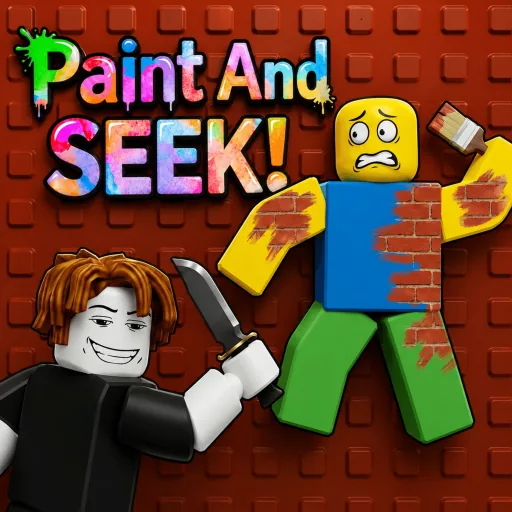
Working Paint and Seek codes right now
As of July 22, 2026, NEWUPDATE is the only code displayed in the official Roblox game description for [🎨] Paint And SEEK! by the verified Blend In Or Die group. That makes it the strongest code to try first. Codes copied from older lists may already be expired, may belong to another same-name game, or may include spaces the game does not accept.
Enter the code exactly as shown. Roblox codes are often case-sensitive, and leading or trailing spaces can cause a valid code to fail. If NEWUPDATE stops working after this page's checked date, use the official game description as the source of truth because the developer can replace or remove a code without warning.
The developer also says the next code unlocks at 50,000 thumbs up. This is a milestone announcement, not a second redeemable code. Do not type guessed strings such as 50KLIKES unless the official description or an in-game announcement publishes that exact text.
| Code | Status | Reward information | Evidence |
|---|---|---|---|
| NEWUPDATE | Officially advertised | Redeem in game to see the current reward | Official game description, checked July 22, 2026 |
| 5MILVISITS | Older reported code | May be expired; do not treat as verified | Previously reported by third-party code lists |
| COLORINGBOOKS | Older reported code | May be expired or from an earlier update | Previously reported by third-party code lists |
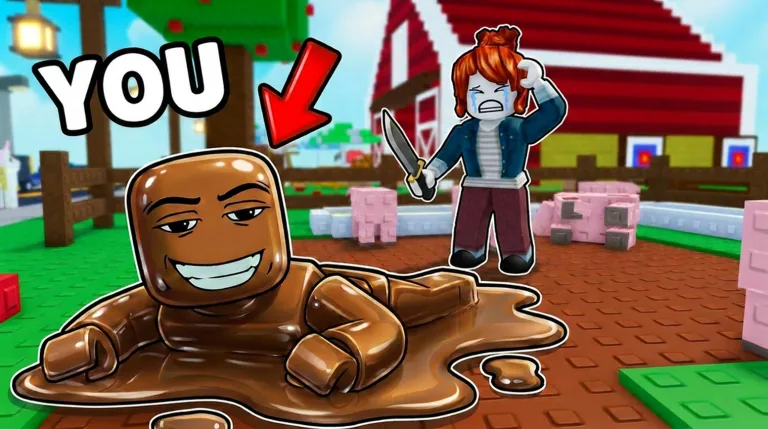
Make sure you are redeeming codes in the correct Paint and Seek
Roblox currently returns several experiences with nearly identical names, including Paint Or Seek, Paint And SEEK!, Paint and Seek!, Paint To Hide!, and Paint Hide and Seek. A code for one universe will not work in another. Search-result titles alone are not enough because thumbnails, punctuation, and update tags change frequently.
For this page, the intended game is universe 9977954973, root place 78724049937437, created by the verified group Blend In Or Die. Its official description says players change color, blend into walls, floors, and objects, and hide from seekers. The current game supports up to 14 players and describes round-based survival play.
Before redeeming anything, compare the creator name and official URL. If the creator is 10 CCU, Ikitai Studios, or another group, you are looking at a different game even when the title appears almost identical. This identity check is why this page does not merge every Paint and Seek code list into one table.
| Experience | Creator | How to use this guide |
|---|---|---|
| [🎨] Paint And SEEK! | Blend In Or Die | Use the verified code table on this page |
| [ARTISTIC🎨] Paint Or Seek | 10 CCU | Use that game's own description and code menu |
| Paint and Seek! 🎨 | Other creator or universe | Do not assume Blend In Or Die codes work |
How to redeem Paint and Seek codes
Open the official Paint And SEEK! experience while signed into Roblox. Wait for the lobby and interface to finish loading before opening the code control. Update labels can move, so look for a Codes, gift, shop, or menu button rather than following an old screenshot blindly.
Select the code field, type NEWUPDATE without extra spaces, and submit it once. Read the confirmation message before tapping repeatedly. A success message means the reward has been added; an expired, invalid, or already-redeemed message tells you what to check next.
If the code button is missing during a live round, return to the lobby or reopen the menu after the round. Mobile users should close the on-screen keyboard before pressing the final redeem button if it covers the control. Never paste scripts into the Roblox client to redeem a normal promotional code.
Why a Paint and Seek code says invalid
First confirm the exact game and creator. The most common failure is using a code list for a different same-name Roblox experience. Next remove invisible spaces, retype the code, and preserve capitalization. Copying from social apps can add punctuation or line breaks.
A code can expire between updates. The official description was updated on July 22, 2026 and currently promotes NEWUPDATE, but the developer controls the live redemption table. Restart the game or join a fresh server after an update so the server loads the newest configuration.
Many Roblox codes are one use per account. If the message says already redeemed, the code is not broken. If every code control is unavailable, check Roblox service status and the developer group before trusting a random generator, extension, APK, or executable.
What codes reward and when new codes appear
The official description does not state the exact NEWUPDATE reward, so this guide does not invent a coin, win, skin, or boost amount. Redeem the code in the live game and read the confirmation. Reward contents can change even when a code string stays the same.
New codes are most likely around game updates, visit milestones, like milestones, events, and bug-fix compensation. The current description explicitly points to a future code at 50,000 thumbs up. Treat that target as a reason to recheck the official page, not as permission to guess the code text.
For the fastest confirmation, compare the official description, the verified developer group, and in-game announcements. A trustworthy code page should show its check date and separate verified codes from old reports.
Avoid fake code generators and download traps
Paint and Seek codes are redeemed inside Roblox. You do not need an APK, Windows installer, browser extension, script executor, account cookie, or password. Sites that promise unlimited currency for surveys or file installs are not normal code redemption.
Use Roblox's official website or app, verify the creator, and keep two-step verification enabled. Never send a login cookie, backup code, or one-time password to someone claiming they can activate a code remotely. Community posts can help discover updates, but they should not override the official game identity.
This site is a fan guide and does not host the game or a downloadable build. Every play CTA points to Roblox, and the local images are compressed copies of official Roblox thumbnail assets rather than AI-generated gameplay.
Beginner tips after redeeming your code
As a hider, sample a large nearby surface and match both hue and brightness. A mathematically close color can still look wrong when lighting changes. Break your silhouette by aligning with edges, props, or repeated wall patterns, then stop moving before the seeker enters.
As a seeker, scan corners, floor transitions, object outlines, and colors that do not react naturally to the map's lighting. Sweep rooms in a consistent route instead of chasing every small movement. Communication matters more than random clicking in a 14-player round.
Do not let code rewards replace practice. Cosmetic items or boosts may be useful, but survival still depends on color choice, position, timing, and understanding the current map. Use the broader Roblox Paint Hide and Seek guide for discovery and role strategy.
Paint and Seek code update log
July 22, 2026: verified the exact Blend In Or Die universe through Roblox search metadata, confirmed the official description advertises NEWUPDATE, recorded the 50,000-like milestone note, and refreshed official thumbnails.
Older reported strings such as 5MILVISITS and COLORINGBOOKS remain separated from the verified table because the current official description does not advertise them. They may be expired or tied to an earlier update.
Future checks should compare the same universe ID and creator before changing the active-code table. This prevents a newly popular same-name experience from silently replacing the intended game in search results.
Paint and Seek codes FAQ
Independent fan guide. Codes can expire without notice; verify the current official Roblox description before redeeming.