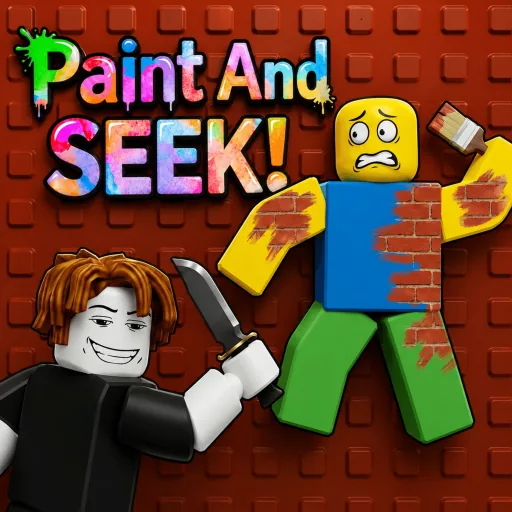
Quick answer: which Paint and Seek Roblox game is this?
Paint and Seek Roblox is a search phrase, not a guarantee that every result points to one identical experience. This guide focuses on Paint And SEEK! by the Blend In Or Die group, using the official Roblox experience page linked above. The page is for players who want gameplay context and strategy, not only a code list.
The central idea is simple: players use color, paint, shape and map context to make a hiding position less obvious, while the seeker looks for a surface or movement pattern that does not belong. The strongest hiding spot is not always the brightest color match; it is the place that still looks natural when the seeker scans the room quickly.
If you arrived because you need a current code, use the separate Paint and Seek Codes page. If you are still deciding which Roblox experience a video refers to, use the broader Roblox Paint Hide and Seek discovery guide first. Keeping those intents separate makes this page more useful for actual play.
How Paint And SEEK! rounds work
Treat each round as a visibility problem rather than a race to the most unusual hiding place. A hider is trying to reduce the number of clues that survive a fast scan: color mismatch, brightness mismatch, a clean avatar outline, a strange gap, or movement at the wrong moment. A seeker is trying to turn those clues into a repeatable sweep instead of checking random corners.
Before moving, read the room as a set of large color fields. Look at walls, floors, shelves, doors and props. Then choose a position whose color family and brightness are close to the surrounding surface. A perfect hue with the wrong brightness can still stand out, especially in a bright corridor or under a ceiling light.
The game is easier to understand when you separate identity from strategy. The official Roblox page tells you which experience and creator you are opening; the strategy begins after you enter the correct game. Same-name results, fan videos and changing Roblox discovery pages are reasons to verify the source before trusting a guide or code list.
| Role | Main question | Useful first habit |
|---|---|---|
| Hider | Does my position look like part of the room? | Match brightness, break the outline, then stop moving. |
| Seeker | Which detail does not fit the room? | Sweep edges and transitions before chasing movement. |
| Both | Am I in the correct experience? | Check the creator, title and official Roblox URL. |
Hider strategy: blend with the whole scene
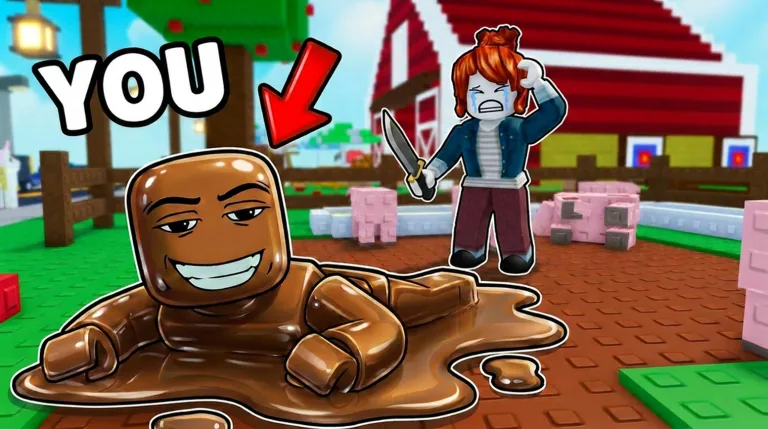
Start with brightness, not just color names. Red, blue or brown can each look very different depending on the light and the material around you. A position that matches the wall's brightness but is slightly off in hue is often less suspicious than a vivid exact-color patch placed in the middle of an empty floor.
Break your avatar outline wherever possible. Door frames, shelves, corners, stacked props and strong horizontal edges can hide the shape that gives a player away. Avoid standing perfectly centered in a clean rectangle; seekers naturally compare obvious blocks and symmetrical gaps first.
Movement is a clue even when your color is good. Move early while the seeker is far away, settle before the scan reaches your lane, and only relocate when a route or a sound cue gives you a real advantage. Repeated small adjustments can be more visible than one deliberate escape.
Seeker strategy: scan inconsistencies, not every object
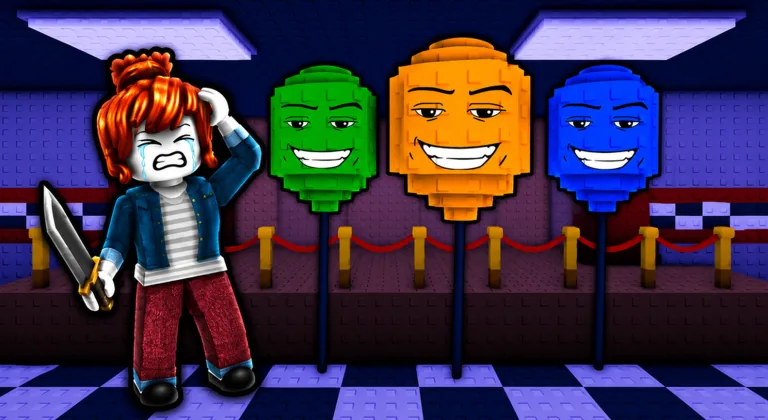
Use a consistent sweep: borders, corners, door frames, stairs, shelves, bright transitions and areas with repeated props. A random camera swing feels fast but leaves gaps. A repeatable route lets you notice what changed between passes and makes a small movement or outline easier to recognize.
Look for relationships that are wrong. A prop may have the correct color but the wrong shadow, a surface may have the right hue but a player-shaped edge, or a hiding place may break a repeated pattern. These clues are stronger when two or three appear together, so pause briefly before committing to a chase.
Do not let one decoy pull you away from the rest of the room. If a player moves near a crowded area, check the obvious escape lanes and the nearby color transitions. Good seeking is time management: clear the highest-probability edges first, then spend the remaining seconds on unusual gaps and late movement.
How to identify the correct Paint and Seek Roblox experience
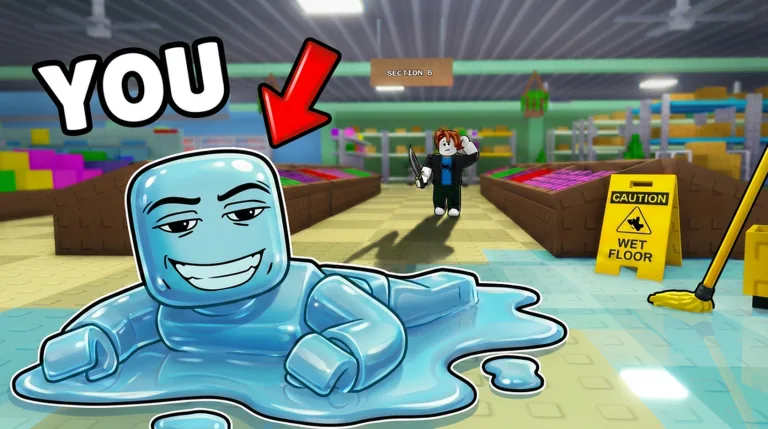
Open the official Roblox experience page rather than relying on a video title, a search snippet or a third-party “play now” button. Confirm the displayed title, creator or group, thumbnail and Roblox URL. Roblox can contain similar names, and a guide that is correct for one experience may be wrong for another.
The Blend In Or Die experience covered here is the same target used by the existing code guide. That connection is useful: the code page handles redemption and update checks, while this page handles the actual gameplay decision of where to blend, how to read the room and how to search as the seeker.
If the result instead sends you to Color or Die, a different paint game, or a Steam title such as MECCHA CHAMELEON, stop and use the page that matches that product. Do not force one game's terms, screenshots or strategy onto another game's page.
| What you searched | Best page | Why |
|---|---|---|
| Paint and Seek Roblox gameplay | This guide | Exact experience identity plus hider and seeker strategy. |
| Paint and Seek codes | Paint and Seek Codes | Current code status, redemption and invalid-code troubleshooting. |
| Roblox paint hide and seek | Roblox Paint Hide and Seek Guide | Broader discovery and comparison across similar experiences. |
| Hide and seek game where you paint yourself | Paint-yourself game identifier | Cross-platform identification, including Steam and Roblox matches. |
Which Paint Hide and Seek page should you use?
The phrase “paint and seek” has several useful search intents. A single page should not try to be the code database, the Roblox directory, the Steam comparison and the detailed gameplay guide at once. This page owns the narrow gameplay intent for the named Roblox experience and points to the other pages when the question changes.
That separation also helps you avoid stale or unsafe advice. Code strings can expire, Roblox results can change, and Steam or mobile pages may describe different products. Use the official source check on the page that matches the platform and task you actually have.
| Intent | Action on this site |
|---|---|
| Gameplay and strategy | Stay on this page and use the role-specific sections. |
| Codes and rewards | Open the Paint and Seek Codes page. |
| Broad Roblox discovery | Open the Roblox Paint Hide and Seek Guide. |
| Steam paint-yourself games | Open the MECCHA CHAMELEON or Steam comparison guide. |
Safety checklist before you follow a Roblox result
Use Roblox's own experience page or app to play. A normal Roblox guide does not need an APK, an executor, a script, a “free Robux” form or a mirror download. Pages that ask for a browser extension, a login code or a file before showing the game are not part of the normal play flow.
Check the creator and the URL again after an update or a viral video. Search pages can mix similar names, and old thumbnails can remain in social posts after the original experience changes. The safest workflow is to start from Roblox discovery, open the experience page, and compare the title and creator with the guide.
This site is an independent guide, not a playable Roblox portal. Use the official Roblox link for the actual experience, and treat code lists, scripts, mirrors and download claims as separate risk questions rather than as part of the gameplay strategy.
Paint and Seek Roblox FAQ
Independent fan guide. Not affiliated with Roblox, Paint And SEEK!, Blend In Or Die, Steam, or any game developer or publisher. Game pages, creators and search results can change; verify the official source before playing.