Quick answer: is MECCHA CHAMELEON cross-platform?
MECCHA CHAMELEON crossplay should be treated as unconfirmed unless the current official store details or in-game platform notices explicitly say that different platforms can share a room. The available listing evidence presents a Steam/Windows multiplayer game; that confirms online play on its listed platform, but it does not automatically confirm a Windows-to-Mac, Windows-to-console, or Windows-to-mobile connection.
This distinction matters because players often use crossplay to mean any multiplayer session. Same-platform online multiplayer can let several Steam users join while still keeping consoles or phones outside the room. Check the exact platform combination before buying, installing a workaround, or promising a mixed-device party.
Online multiplayer is not the same as crossplay
Online multiplayer answers the question, “Can more than one player share a networked match?” Crossplay answers the narrower question, “Can players on different operating systems, consoles, or storefront ecosystems share that match?” A store badge or a lobby button can support the first claim without answering the second.
For MECCHA CHAMELEON, keep three layers separate. First, confirm that the live Steam listing still describes online play. Second, identify the platform and storefront used by each friend. Third, look for an explicit cross-platform statement or a working mixed-platform test. Do not infer support from a player-count range, a YouTube thumbnail, or a community comment that may describe a different build.
| Question | What it proves | What it does not prove |
|---|---|---|
| The store says online multiplayer | The listed build supports networked play | That consoles or phones can join |
| A friend appears in an invite list | The platform can see an account or session | That the friend can load the same match |
| A video shows several players | A multiplayer scenario existed in that recording | The platforms, region, or build used |
| The player-count page says 2–10 | The intended room scale | Cross-platform compatibility |
| A cloud stream runs the game | A streamed PC session is possible | Native console or mobile crossplay |
What the Steam listing tells you about the platform boundary
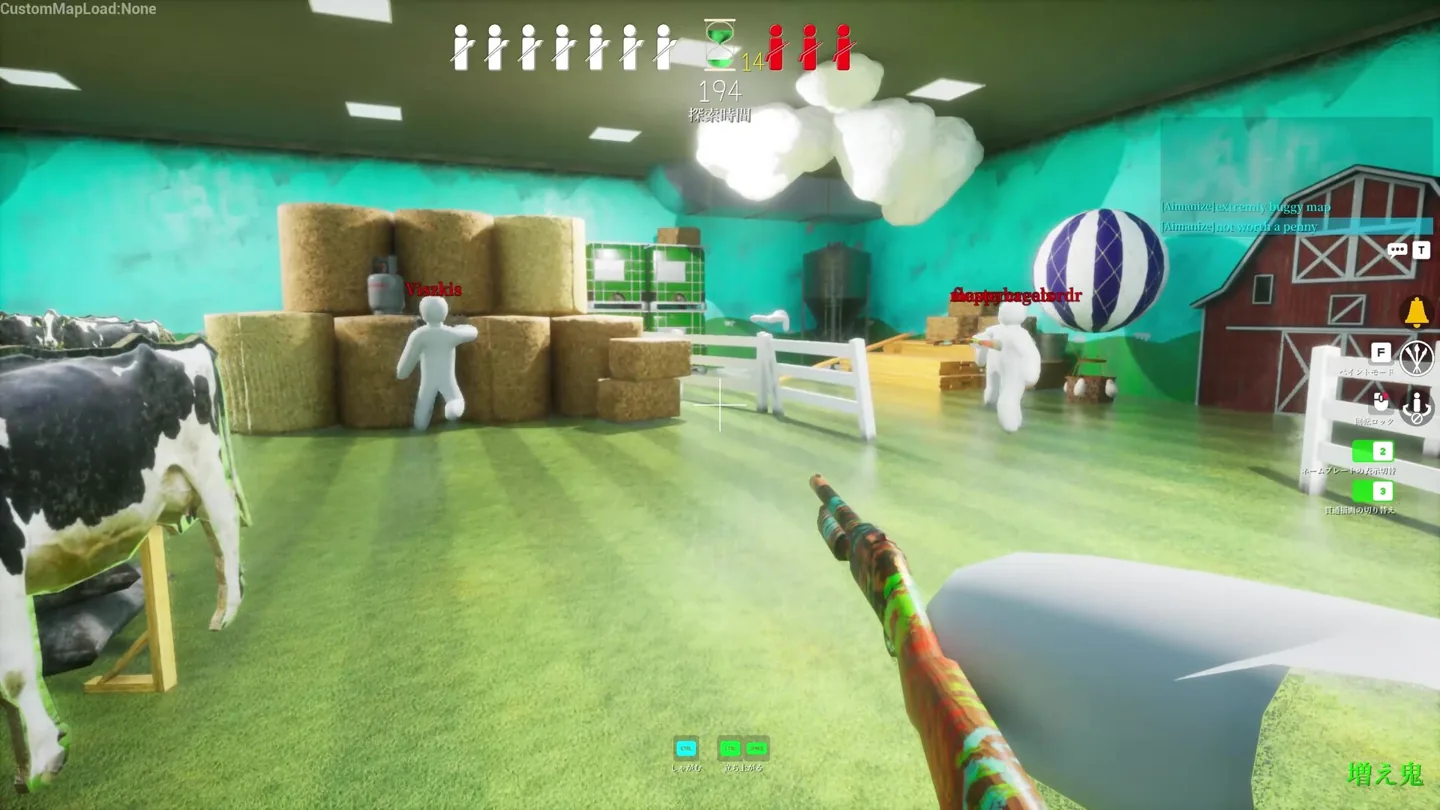
The official store page is the first place to check because it ties together the product identity, storefront, supported platform information, multiplayer description, and current notices. Read the live page immediately before a purchase or group session. A cached article can describe an older release while the store has already changed its wording or requirements.
The existing page inventory treats Mac, mobile, and PS5 as separate verification questions for a reason. A Mac streaming path is not the same as native Mac support, and a mobile or console search result is not evidence that the Steam build accepts those clients. Keep those pages as platform-specific follow-ups instead of merging them into a broad crossplay promise.
How to run a clean crossplay test with friends
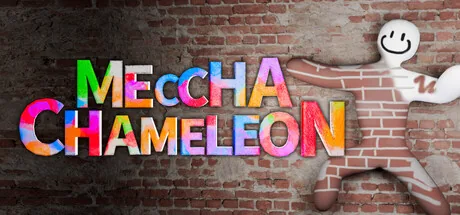
A good test changes one variable at a time. Start by recording the platform, storefront, game version, region, and whether the session uses a base or Workshop map. Use one host and one friend; a ten-person room hides the cause of a failed join behind too many accounts and connections.
First run a same-platform baseline if possible. Two Steam users should use the normal invite path, load a base map, and confirm that both reach the playable HUD. Then repeat with the different platform. If the baseline already fails, the result says nothing about crossplay. If the baseline works and only the mixed-platform attempt fails, you have a narrower compatibility signal to verify against official notes.
Do not install an unofficial launcher, DLL, lobby tool, or APK to force the test. Those files can change the executable and make a clean platform comparison impossible. Use the official store, the game’s own lobby, and the same host whenever you compare outcomes.
- Write down the platforms.
Record Windows/Steam, Mac streaming, console, or mobile before sending an invite. Similar-looking clients are not automatically compatible.
- Create a same-platform baseline.
Use one host, one friend, the base map, and the normal official invite flow.
- Check the playable HUD.
A successful join means the friend can load the round, move, see the timer or role state, and use the expected interaction.
- Change one platform only.
Repeat the test with the mixed platform while keeping host, map, region, and build as stable as possible.
- Save the exact result.
Capture the visible error and compare it with current official store or developer guidance before drawing a conclusion.
Signals that a failed session is not a crossplay verdict
An invite that never arrives can be a privacy, presence, storefront, or host-session problem. A friend who appears in the lobby but returns to the menu may be hitting a map, version, loading, or connection issue. A room that looks empty is an availability snapshot, not proof that the game has no multiplayer population or no crossplay.
Workshop content deserves its own check. Custom maps can add downloads, scripts, unusual spawn points, and extra loading states. If a mixed-platform test uses a community map, repeat it on a normal map before attributing the failure to platform support. The same rule applies to overlays and remapping layers: remove extra variables before changing the conclusion.
- Invite missing before the lobby: check online presence, privacy, storefront account, and active host session.
- Friend listed but not playable: test the base map and confirm both builds finish loading.
- Only a Workshop map fails: keep the base-map result as the control.
- Cloud stream works but native client fails: describe the stream as a workaround, not native crossplay.
- A video claims crossplay: verify its date, platform labels, region, and game version before repeating the claim.
MECCHA CHAMELEON crossplay troubleshooting checklist
When the mixed-platform test fails, restart from the narrowest comparison. Close the lobby, keep the same host, remove Workshop content, and invite one friend on the same platform. Check that Steam or the relevant platform shows both accounts online. If the baseline fails, repair the local session before researching crossplay.
If the baseline works, repeat the mixed-platform attempt and note where it stops: no invite, lobby visibility, loading screen, return to menu, or missing HUD. Each state points to a different question. Do not treat a missing invite as proof that the game blocks crossplay; do not treat a visible lobby as proof that the round can run across platforms.
| Observed state | Next check | Avoid |
|---|---|---|
| No invite | Presence, privacy, host session, account platform | Calling it a crossplay block immediately |
| Invite visible, lobby missing | Storefront, build, region, and host restart | Adding many players at once |
| Lobby visible, round fails | Base map, build match, map download | Testing only on Workshop content |
| Round loads, HUD missing | Wait for load, capture message, repeat baseline | Using old screenshots as a key list |
| Same platform works, mixed platform fails | Check explicit official crossplay wording | Installing unofficial launchers or APKs |
Sources checked
The official Steam listing is the primary source for the current PC storefront and online-play description. The developer site is a second identity check. Platform labels, lobby behavior, and crossplay support can change, so recheck those sources before a mixed-device session.
MECCHA CHAMELEON crossplay FAQ
Is MECCHA CHAMELEON crossplay?
Treat crossplay as unconfirmed unless the current official listing or developer notice explicitly names the platform combination. The Steam listing confirms the PC storefront and online-play context, but online multiplayer alone does not prove cross-platform support.
Can Steam and console players join the same MECCHA CHAMELEON lobby?
Do not assume so. Check the current official platform notes and run a controlled mixed-platform test only after a same-platform baseline works.
Does a 2–10 player range mean crossplay is supported?
No. The range describes intended multiplayer scale. It does not identify which operating systems, consoles, or storefronts can connect.
Can a Mac player join a Steam PC friend?
A streaming workaround can display a Windows session on another device, but that is different from native Mac support or a separate crossplay client. Verify the current Mac and Steam details before planning the session.
Why can my friend see the lobby but not enter the match?
Test the base map, confirm both builds, keep one host, and check whether the friend reaches the playable HUD. A Workshop download or loading failure can look like a platform restriction.
Should I install a crossplay fix or third-party launcher?
No. Use official stores and developer guidance. Unofficial files can change the executable and make it impossible to tell whether the issue is platform support or a modified client.
Independent fan guide. Not affiliated with MECCHA CHAMELEON, Steam, the developer, or any publisher. Platform support, lobby labels, map compatibility, and online availability may change with future updates.