
MECCHA CHAMELEON system requirements: the short answer
If you searched for MECCHA CHAMELEON system requirements, start with the three values the developer publishes on Steam: Windows 10 64-bit, an Intel Core i5 processor, and a DirectX 11 or 12 compatible graphics card. These are the official minimum requirements shown on the store page checked on November 5, 2026. They are a compatibility floor, not a promise of a locked frame rate, high settings, or identical performance on every laptop.
The same requirements page does not list a minimum RAM amount, a recommended CPU, a recommended GPU, or a fixed storage figure in the visible minimum requirements block. That absence matters. Many search results fill those gaps with confident numbers, but a third-party table is not a developer specification. Treat the missing values as unknown, then compare your machine conservatively and use the live Steam page for any later update.
A PC can meet the three published minimums and still need lower settings or a frame-rate cap. Make two checks: match the official floor, then leave headroom for the map, online session, and background apps such as voice chat.
| Component | Official minimum | What it does not tell you |
|---|---|---|
| Operating system | Windows 10 64-bit | It does not confirm support for every older Windows installation |
| Processor | Intel Core i5 | No generation or recommended tier is published |
| Graphics | DirectX 11 or 12 compatible graphics card | No exact model, VRAM target, or quality preset is published |
| Memory and storage | Not stated in the visible Steam minimum block | Do not copy unverified RAM or disk numbers as official facts |
The official minimum PC requirements, explained
Windows 10 64-bit is the first gate. The 64-bit detail is not decorative: it describes the operating-system architecture the store listing expects. If your computer is on an older 32-bit installation, a matching processor or a newer graphics card will not solve the compatibility problem. Check System Information in Windows and confirm both the Windows edition and system type before buying.
The processor line says Intel Core i5, but it does not name a generation, model number, clock speed, or AMD equivalent. Avoid translating it into a made-up i5-xxxx rule. Use your exact CPU model, check its generation and instruction support, and remember laptop and desktop i5 chips can behave differently under sustained load.
The graphics line is similarly broad: DirectX 11 or 12 compatible graphics card. It confirms the rendering API family, not a specific performance target. Integrated graphics may behave very differently from a dedicated card even when both expose the required DirectX version. Confirm the installed GPU and its driver state.
Why a minimum list is not a recommended preset
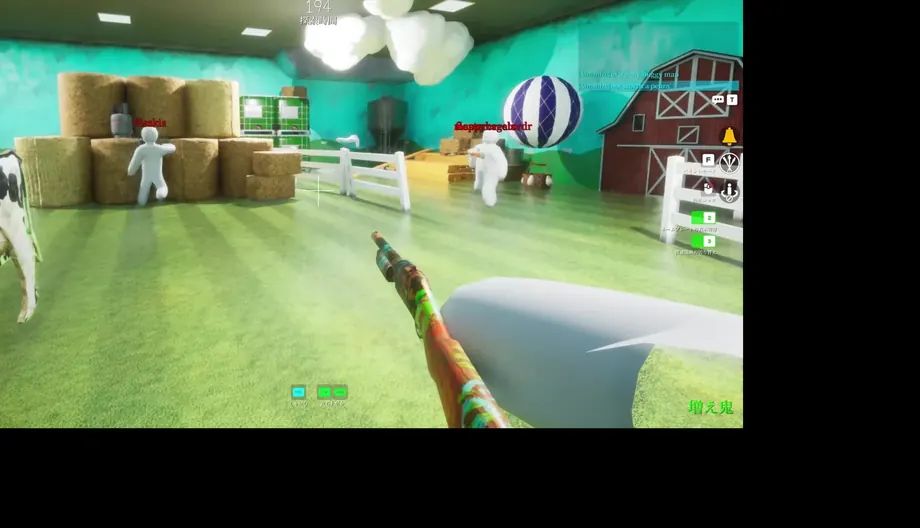
A minimum specification usually answers one narrow question: can the software start and reach a usable state on a supported configuration? It does not promise that every scene will hold 60 FPS, that high textures will fit comfortably in memory, or that a busy multiplayer room will feel the same as an empty menu. In a game built around reading color, silhouettes, and small movement, uneven frame pacing can also make visual decisions harder even when the game technically runs.
That is why this page keeps official facts and practical advice in separate lanes. The published CPU and GPU lines belong to the developer. The suggestion to start at a modest resolution, close heavy background apps, and test a short match is experience-based guidance, not an official benchmark. Use it as a cautious setup method, then adjust after watching actual frame-time and temperature behavior on your machine.
Search results may show detailed recommended tables with RAM, storage, or named graphics cards. Unless those values appear on the official Steam page or a clearly dated developer announcement, label them as third-party estimates and do not repeat them as the MECCHA CHAMELEON system requirements.
- Minimum lists describe a floor, not a frame-rate promise.
- Keep third-party estimates separate from developer-published values.
- Recheck the live Steam page when the store or compatibility data changes.
How to check whether your PC can run MECCHA CHAMELEON
Start with the operating system. Press Windows + R, type msinfo32, and read the System Type and OS Name fields. Confirm that the system is 64-bit and that Windows 10 or a later supported version is installed. Next, open Task Manager or System Information to copy the exact CPU model, then use the Display tab or Device Manager to identify the active GPU. Write down the model names rather than relying on a generic label such as Intel graphics.
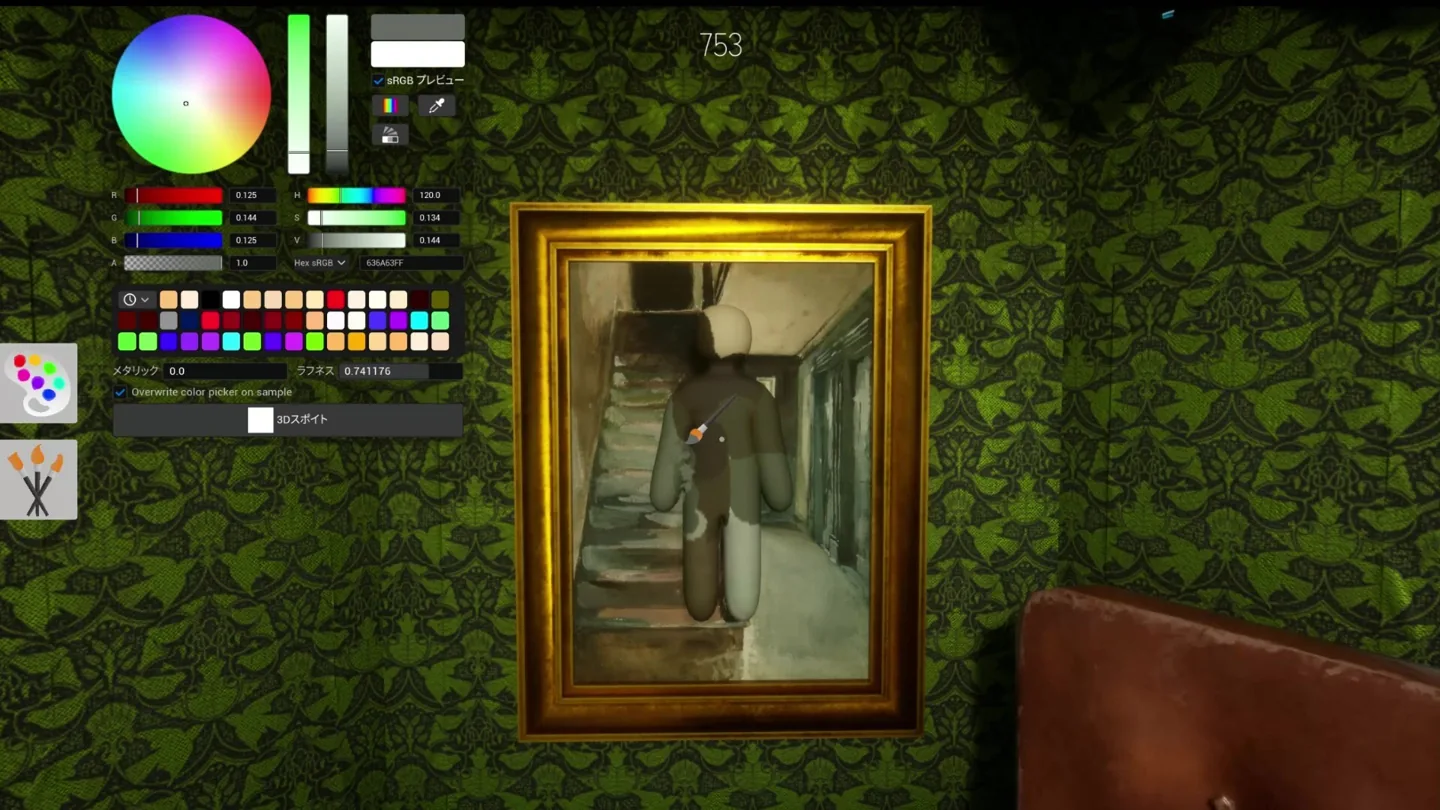
Compare those values with the three official lines, but keep the comparison honest. An Intel Core i5 label without a generation is not an automatic pass for every old machine. A DirectX 12-capable GPU is not automatically fast at every resolution. If your CPU or GPU is close to the lower edge, plan a short test session: use a conservative preset, watch for stutter during a real round, and check whether painting and camera movement still feel precise.
A laptop on battery, a high-resolution external monitor, recording software, browser tabs, and voice chat can all change available headroom. Close what you do not need, update the graphics driver from the hardware maker, and keep the official Steam refund rules in mind.
- Confirm Windows 10 64-bit or a newer supported Windows installation.
- Record the exact CPU model and compare it with the broad Intel Core i5 minimum.
- Record the active GPU and verify DirectX 11 or 12 support in the DirectX Diagnostic Tool.
- Start with moderate graphics settings and test a real multiplayer round, not only the menu.
- Keep the purchase and updates inside the official Steam app page.
Steam Deck, SteamOS, Mac, and mobile notes
The official Steam requirements list describes Windows PC requirements, while SteamDB records MECCHA CHAMELEON as Steam Deck Playable with caveats. The compatibility notes mention manual on-screen keyboard use, occasional non-Deck controller icons, small in-game text, and manual graphics configuration. That is a separate experience from meeting the Windows minimums. If you are choosing a Deck, read those caveats and expect to adjust controls and performance rather than treating the label as Verified.
Mac and mobile questions have different boundaries. A Steam Windows listing does not prove a native macOS build, and a game description does not authorize an APK download. Use the site's Mac and Mobile pages for those checks. This article stays focused on official PC minimums and the evidence-backed Steam Deck caveat.
Safe buying and performance checks
Use the official Steam app page for the title, platform, minimum requirements, screenshots, updates, and purchase flow. SteamDB can add compatibility and release context, but it is a secondary reference and not the place to buy the game. A third-party “can you run it” page can be helpful for a rough comparison, yet it should never override the developer's visible store text or turn guesses into official recommendations.
Avoid cracked builds, random launchers, APK mirrors, and downloads that ask for Steam credentials. A page that hides the developer, changes the title, or promises a free full version is not a safe substitute for checking PC specifications. Buy through Steam, let the client handle updates, and use its current support information when requirements change.
This independent fan guide is not a benchmark lab or the developer. If hardware is near the floor, test through legitimate Steam ownership, keep settings conservative, and judge a real round.
MECCHA CHAMELEON system requirements FAQ
Independent fan guide. Not affiliated with MECCHA CHAMELEON, Steam, Valve, or any game developer or publisher. Requirements, compatibility labels, drivers, and store content can change.